Text
Paste receipt text
Copy a receipt, bank SMS or statement excerpt. Parsing happens on your phone, with no connection to your inbox.
A private expense tracker
Understand your spending. Bring your receipts, review your transactions, and keep your ledger on your phone.
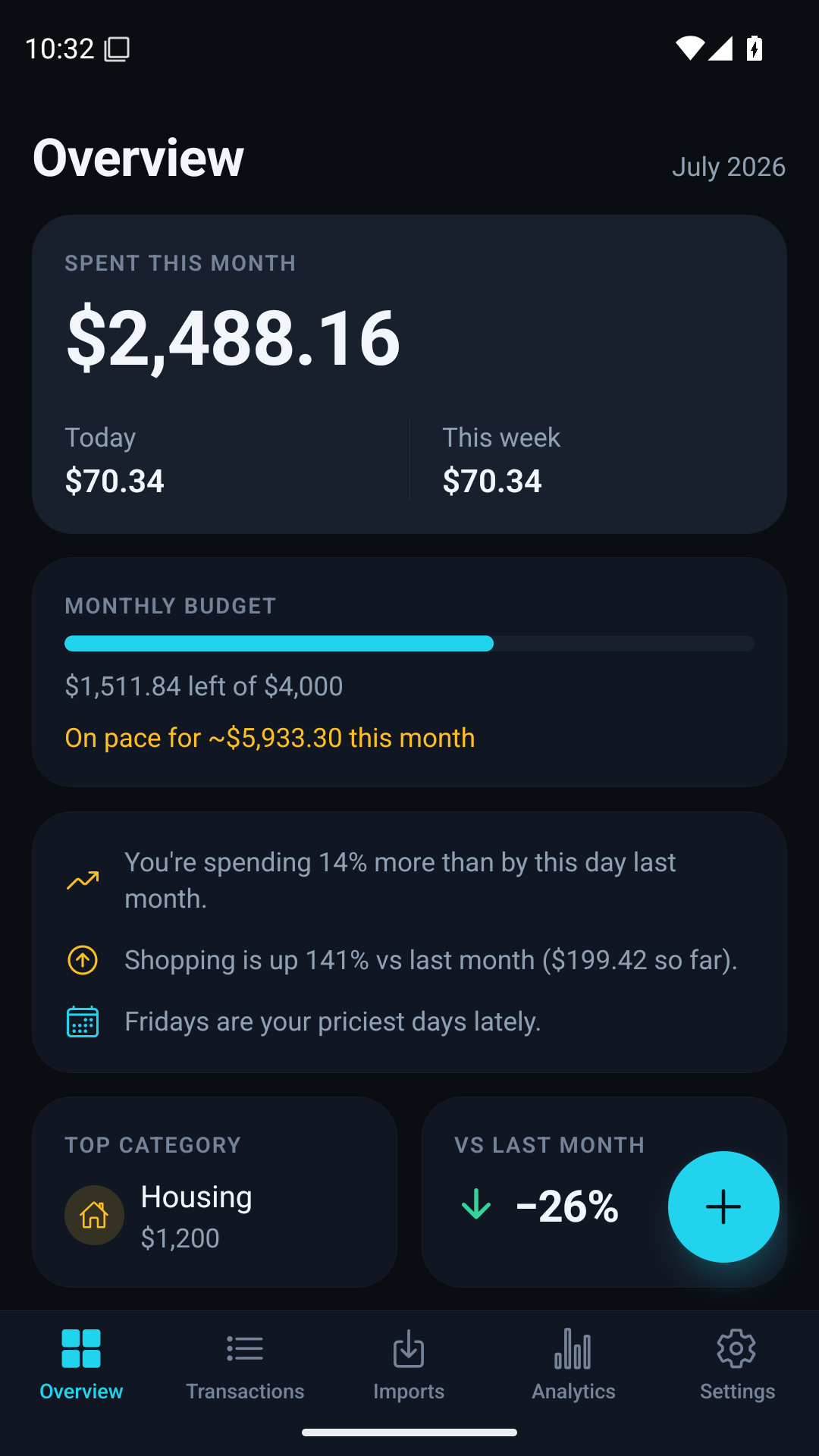
Android app preview. Example data.
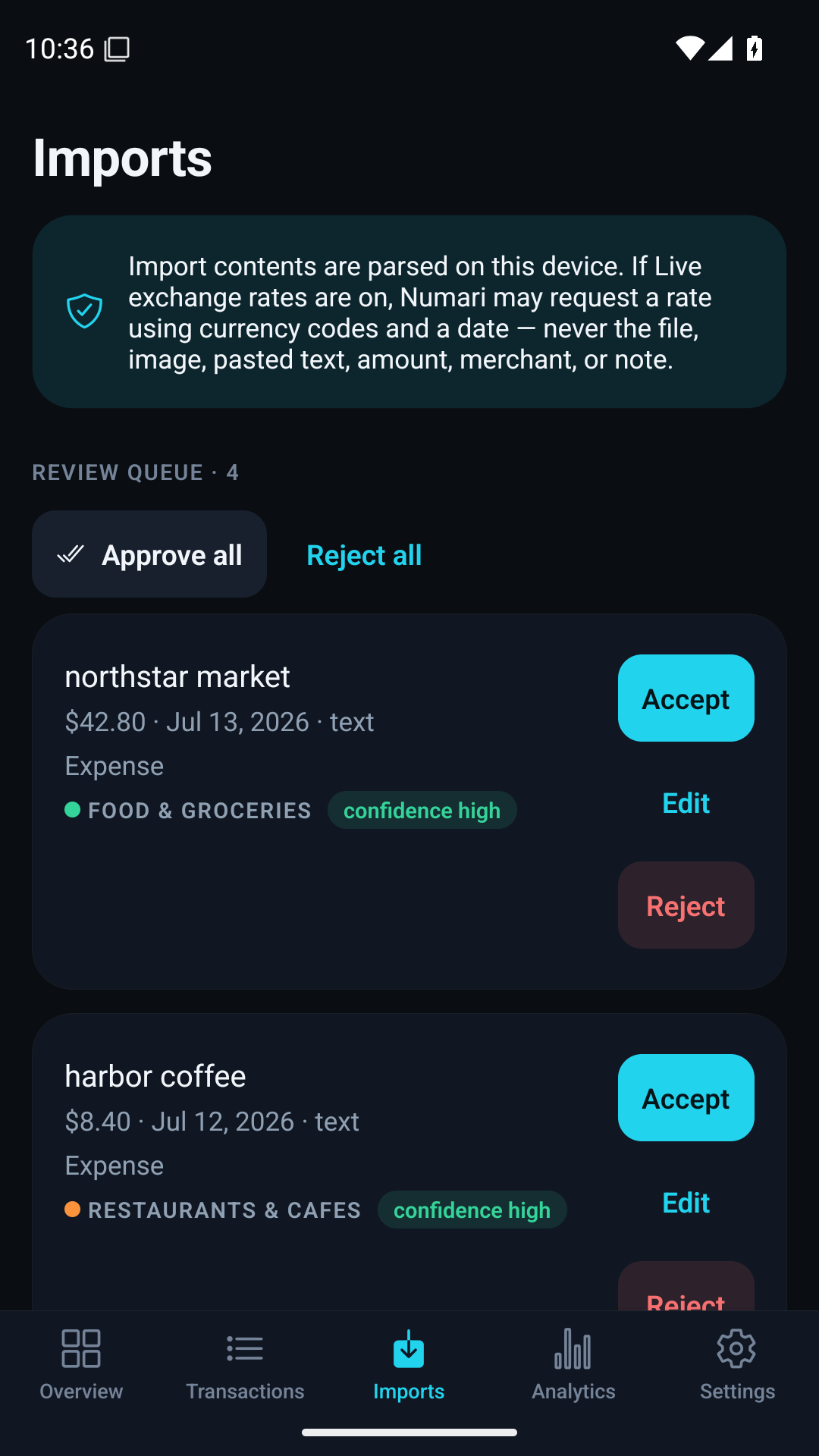
Bring the records you already have. Numari turns supported receipts and statements into transactions you can check.
Check the amount, date and category. Possible duplicates are flagged before anything reaches your ledger.
Text
Copy a receipt, bank SMS or statement excerpt. Parsing happens on your phone, with no connection to your inbox.
Image
Choose a receipt photo or screenshot for on-device text recognition.
On iPhone, Latin and Cyrillic support depends on your device. Android supports Latin; for Cyrillic, paste the text.
PDF & CSV
Import a supported statement or exchange CSV. Reuse saved CSV column mappings for the next file.
PDFs need a readable text layer. Scanned and password-protected PDFs are not supported.
Paste text, select an image or choose a supported file.
Edit a candidate, check duplicates and keep what belongs.
Only approved transactions become part of your ledger.
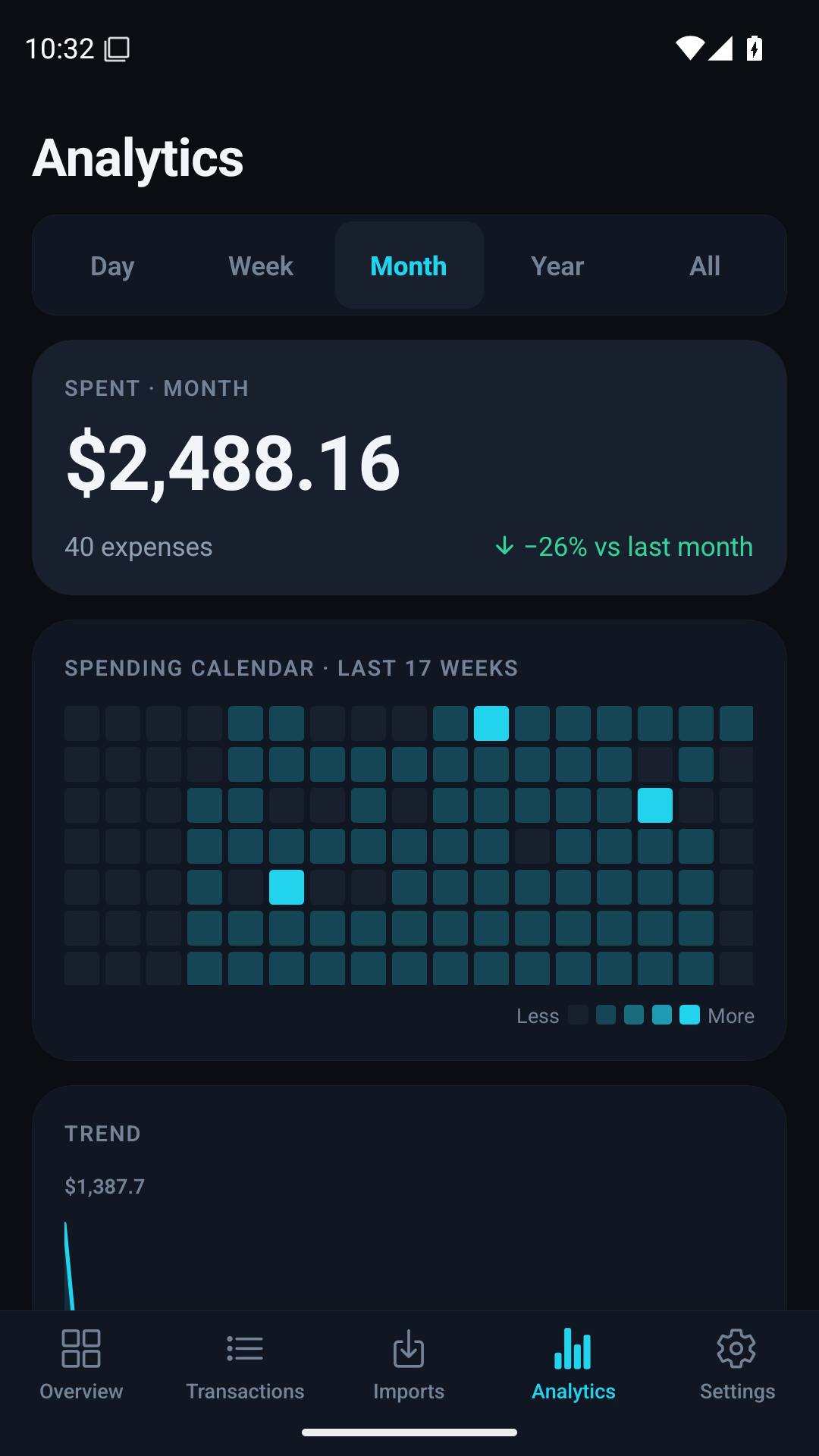
Daily spending, category budgets and longer-term patterns, calculated from the records you choose to keep.
Explore trends, a spending heatmap and your top categories. Recurring-charge and unusual-spend indicators help you look closer.
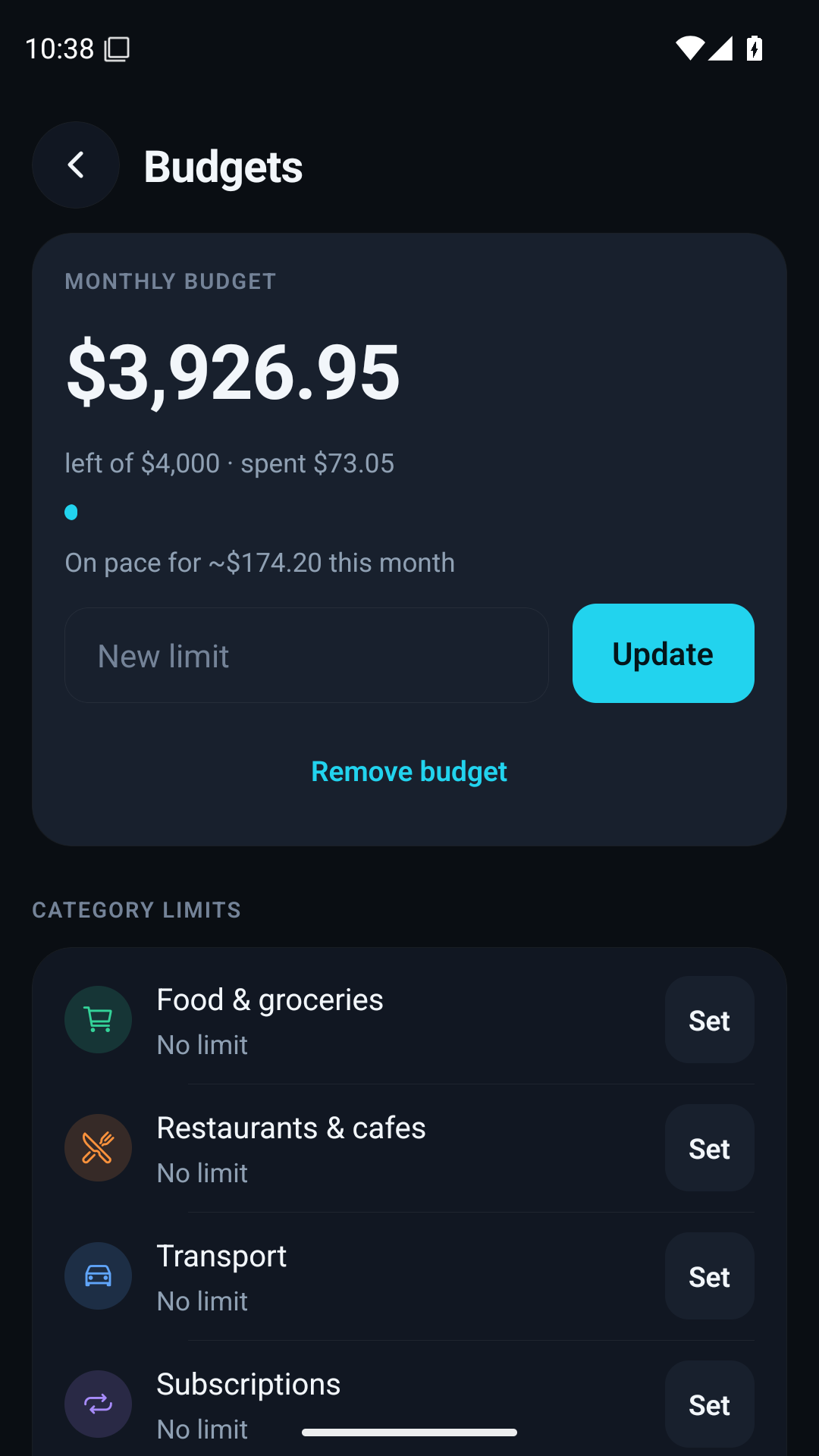
Set monthly category budgets and see how much remains. Your numbers stay available offline.
Use Face ID or fingerprint lock on supported devices. Export a JSON backup and choose where to keep it. There is no Numari cloud copy to recover.
Understand the privacy trade-offsNo. Numari never asks for your bank login. Add a transaction yourself, paste a receipt or bank message, choose a receipt image, or import a supported PDF or CSV statement. You review detected transactions before adding them to your ledger.
Yes. Text recognition runs on your phone. On iPhone, Latin and Cyrillic recognition depends on the languages Apple Vision supports on your device. On Android, the recogniser supports Latin script only; for Cyrillic receipts, copy the text and paste it into Numari. Always check the recognised amount and date.
No. Numari has no mailbox integration, SMS reader or notification listener. Copy text from a receipt or bank message and paste it into the app yourself. Reminders you enable are local notifications created by Numari.
Your ledger and import-review history are stored in the app’s private local database. Numari has no cloud copy. Import history can retain source rows or text snippets for review and duplicate checks. Settings → Delete all data removes financial records and import history.
The first release is free, with no subscription or in-app purchases. Manual tracking, supported imports, budgets, analytics and local backup are included.
Tracking, imports, receipt recognition, budgets and analytics run on your device. Live exchange rates are optional and off by default. If enabled, rate providers receive currency codes, historical lookup dates where needed, and your IP address. They do not receive your ledger or import contents.
Export a JSON backup from Settings, transfer the file to a destination you control, and restore it in Numari on the new phone. A CSV export is useful for spreadsheets; JSON is the format for restoring the app. Keep a backup before deleting the app or replacing your device.
The first release is free. No subscription. No account.
Coming soon to both stores


Public download links will appear here when each store listing is available.